Templates and studies for Sierra Chart

Professional templates and indicators for Sierra Chart

Stop spending hours tweaking settings. Open ready-made footprint, heatmap, DOM and Market Profile charts in Sierra Chart, with order flow studies we build ourselves.

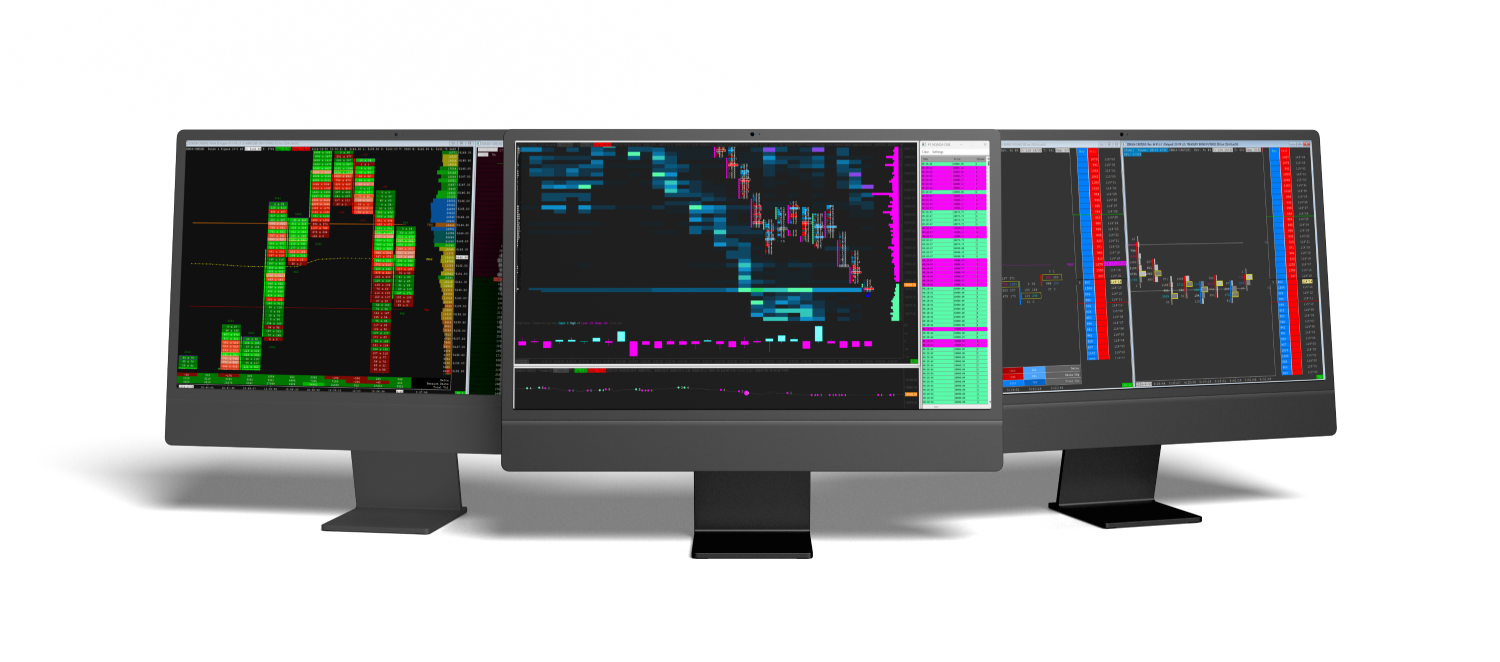
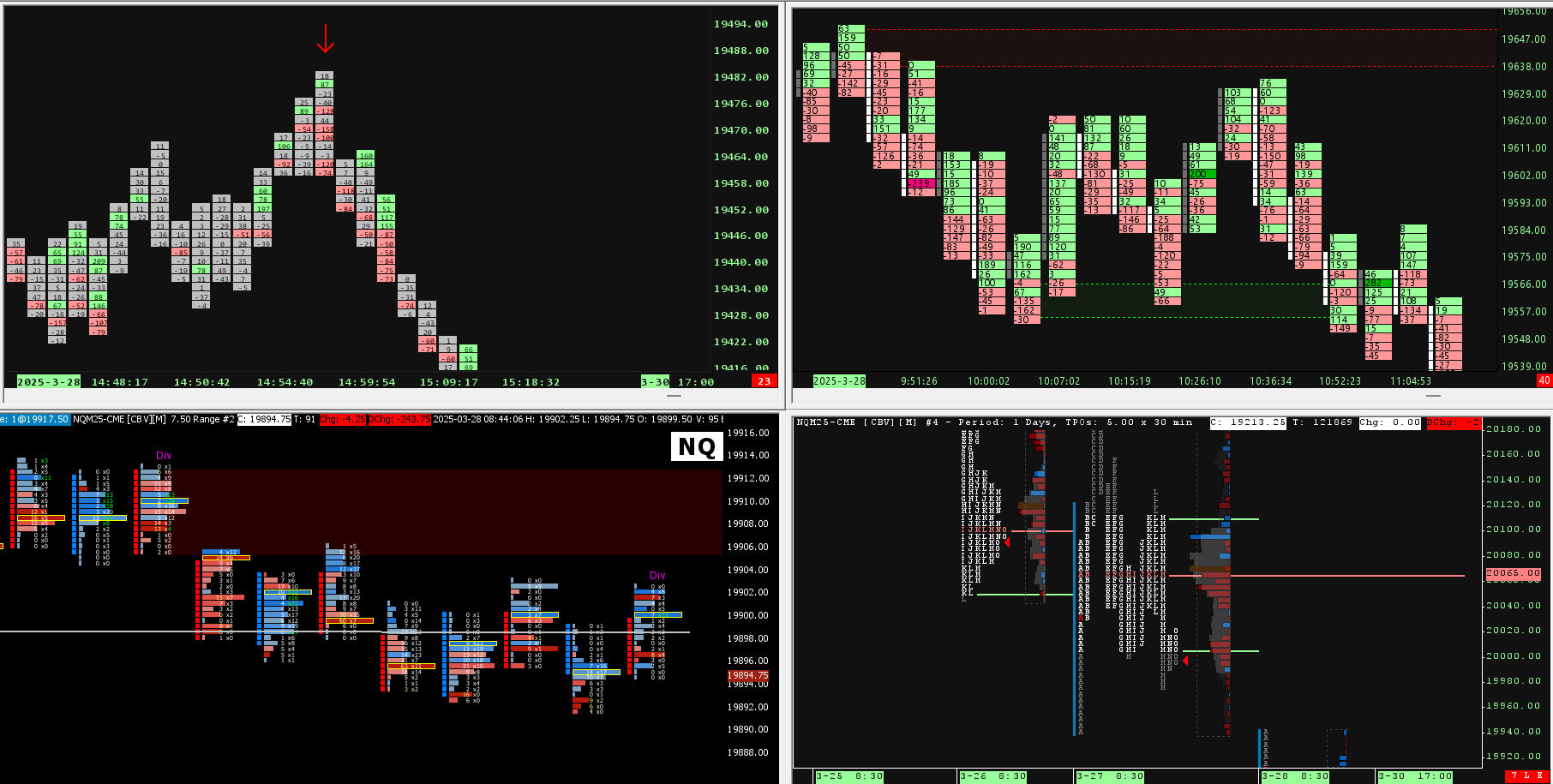
Three monitors on a dark wood desk, showing SieraChart Market Profile, footprint and heatmap charts in Sierra Chart
  • 600+ orders
  • One-time payment
  • Lifetime updates
  • Questions answered before you buy

Independent developer for Sierra Chart, listed on the official Sierra Chart website. You need your own Sierra Chart account to use our tools.

Start with a pack

Each pack bundles several Sierra Chart indicators with a chartbook that is already set up. Pick the one that matches what you read on your chart.

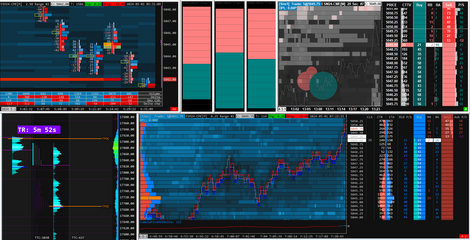
Sierra Chart Suite Pro workspace with DOM, heatmap and volume profile

Prefer a full set of templates?

Sierra Chart Suite Pro

Bookmap-style chart, Market Profile TPO, advanced DOM, 4-in-1 footprints with heatmap and daily volume profiles, optimized for NQ and ES.

$397.00$897.00
See the suite

What do you want to see on your chart?

Every template is a ready-made Sierra Chart chartbook that you can customize. Choose the chart you trade from, or add order flow studies to the charts you already use.

How it works

  1. 1Pick a template or a pack and check out.
  2. 2Download your files. Studies are activated on your Sierra Chart username.
  3. 3Open the chartbook in Sierra Chart. The charts and studies are already set up.

Step by step: how to install a chartbook

What you need

  • Sierra Chart with Advanced Features: Service Package 5, 11 or 12. Compare the packages
  • For the order flow studies, a data feed with bid and ask volume.
  • Windows. On a Mac, run Sierra Chart in a virtual machine: see the Mac guide

Questions before you buy? Ask us

Free download

The Sierra Chart Starter Kit

8 custom studies and a starter chartbook. No licence key, no activation.

  • Order Blocks
  • Supply and Demand Zones
  • Mogalef Bands
  • Waddah Attar Explosion
  • Session Highlighter
  • Renko Retracement Patterns
  • VIX Intraday Levels
  • Signal Backtester

One email with the download link, then Sierra Chart tips and offers. Unsubscribe any time.

Ben at a three-screen trading desk, with order flow charts on the screens and a view of the mountains through the window

Built by a trader who uses them

I'm Ben, the person behind SieraChart. I'm passionate about financial markets and about building specialized tools for trading, and SieraChart is where the two meet.

I trade ES and NQ futures on a three-screen desk, and most of the indicators on this site are on my own charts. I build the studies in C++ with Sierra Chart's ACSIL, and I develop custom ones for traders every day.

Need something that does not exist yet? We also build custom Sierra Chart templates and custom studies.

What traders write to us

"[...] your indicators make it a whole lot easier visually and allows quick decisioning [...]"
T., order flow indicators
"[...] thank you for the custom chart you made for me, I use it and I love it :)"
A.C., custom chartbook
"I have already purchased the absorption pack and I'm pretty happy with it."
R., Absorption Pack
"[...] Thanks so much. Great product!!!"
E.E., Absorption Pack
"thank you for your fast response and for the fast solution, great job 😊."
A.S., TTM Squeeze

Frequently asked questions

Is SieraChart the Sierra Chart software?

No. Sierra Chart is the trading platform, made by a separate company. SieraChart is an independent developer that builds templates and custom studies for it, and Sierra Chart lists us among its third party programmers. You need your own Sierra Chart account, and our guide shows how to download and install it.

Which Sierra Chart package do I need?

Most of our templates and studies use Numbers Bars, TPO or the market depth heatmap, which need Advanced Features: Service Package 5, 11 or 12. Standard Packages 3 and 10 do not include them. Each product page lists its requirements, and our pricing guide compares the packages.

How do I install a template?

Copy the chartbook into your Sierra Chart Data folder, then use File, Open Chartbook. If a chart stays empty, update the contract symbol and let the data download. The install guide covers each step.

Does it work on a Mac?

Sierra Chart has no native Mac version. You can run it in a virtual machine such as Parallels, on a Windows VPS or on a mini PC. Our Mac guide compares the three.

Which markets are they built for?

Most templates are tuned for index futures such as NQ and ES, and each product page says which instruments it covers. You can adjust the settings for other markets in Sierra Chart.

Do you offer a free trial?

No. A few days of market is too small a sample to judge an indicator: conditions change, some setups won't appear in a week, and it takes time to see how a study behaves across different sessions. If you have questions before buying, email contact@sierachart.com and we'll answer them.

Maximize your trading efficiency with premium Sierra Chart templates

As a trader, every second counts. Having the right tools helps you read the market faster. That's why we offer a comprehensive range of pre-configured templates for Sierra Chart, the go-to software for trading professionals.

Our popular Sierra Chart DOM templates give you a customized real-time depth of market. Choose from our numerous styles to find the ideal visualization for your strategies.

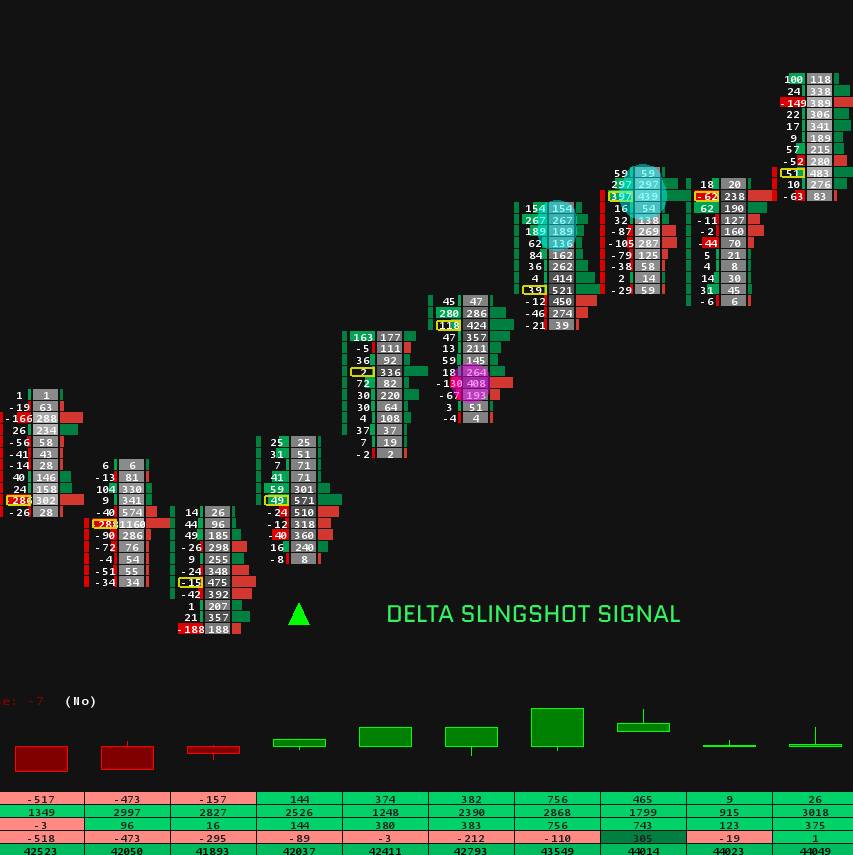
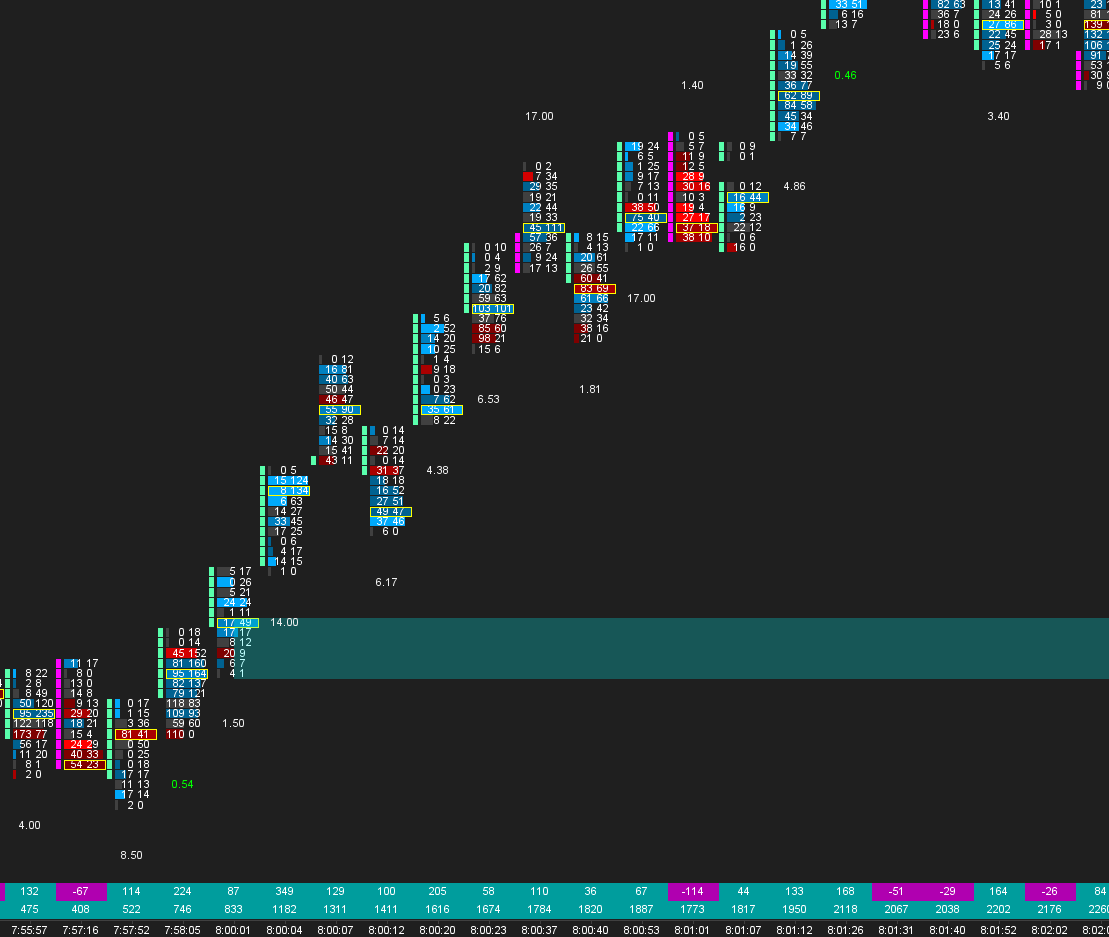
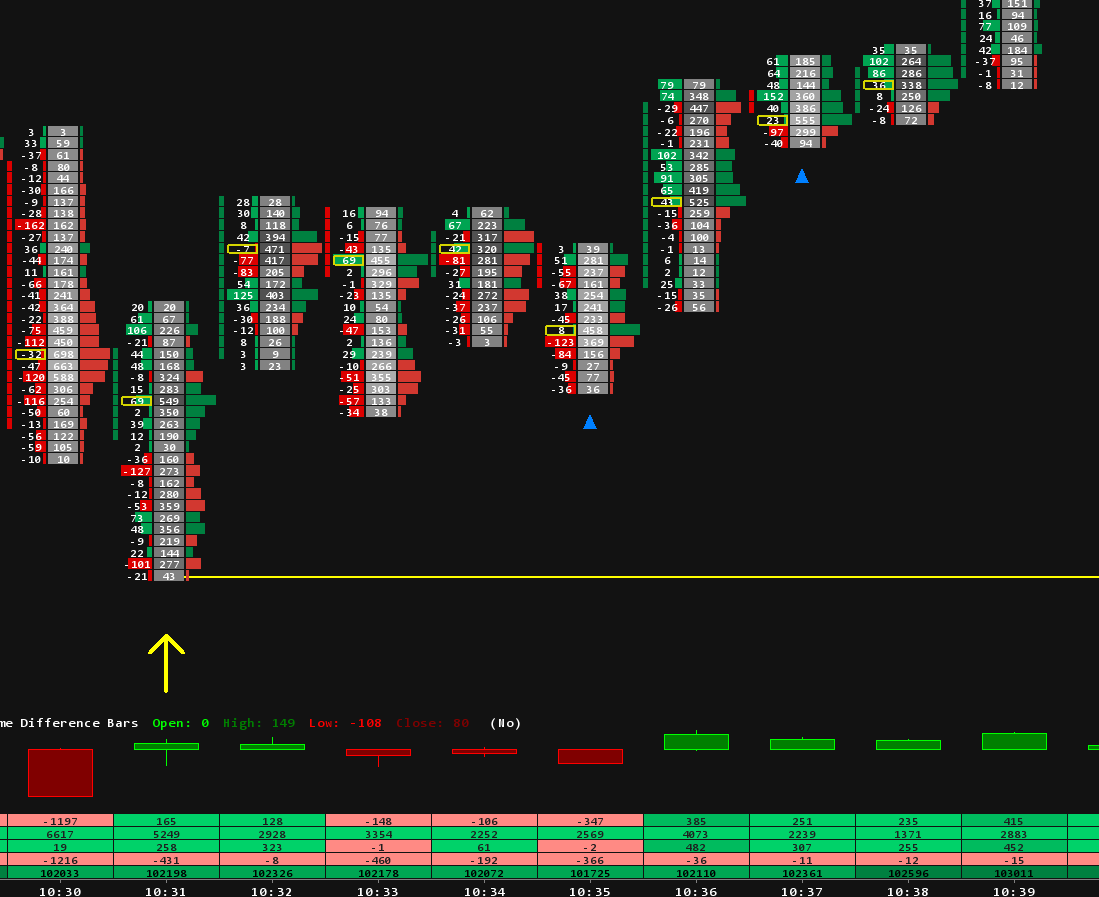
Save valuable time by starting from settings that are already tuned. The Sierra Chart footprint templates are also essential. With their volume representation in the form of footprints, you can instantly visualize market intensity and see where buyers and sellers are active. Our footprint templates give you a comprehensive view of market participants' activity.

The Sierra Chart volume profile templates prove to be highly useful as well. They materialize the volume profile on the chart, which helps you identify major support and resistance zones and validate your analyses.

Our Sierra Chart market profile templates concentrate price and volume data over specific time periods, so you can see how the market has behaved at different levels. Sierra Chart heatmap templates add resting liquidity over time, and Sierra Chart indicators bring absorption, delta and divergence readings to any chart.

All our Sierra Chart templates are compatible with the latest version of Sierra Chart and ready to use. Save precious time with settings already configured by our experts, then choose the templates that best suit your trading style. New to Sierra Chart? Start with our guides on footprint setup, TPO setup and the best free studies.