




Sierra Chart Pricing in 2026: What You Actually Pay

Sierra Chart pricing confuses newcomers for one simple reason: the bill has two parts. You pay for a service package, which decides what the platform can do, and separately for exchange data, which decides what it can see. Neither is expensive by trading software standards, but choosing wrong wastes months of small overpayments. Here is the full picture as of August 2026, with the official pages linked so you can verify current numbers.
The five packages, in one table
| Package | Name | Monthly | External data and trading | Denali feed |
|---|---|---|---|---|
| 3 | Base Standard | $26 | No | No |
| 5 | Base Advanced | $36 | No | No |
| 10 | Integrated Standard | $36 | Yes | Yes |
| 11 | Integrated Advanced | $46 | Yes | Yes |
| 12 | Integrated Advanced MBO | $56 | Yes | Yes, with market by order depth |
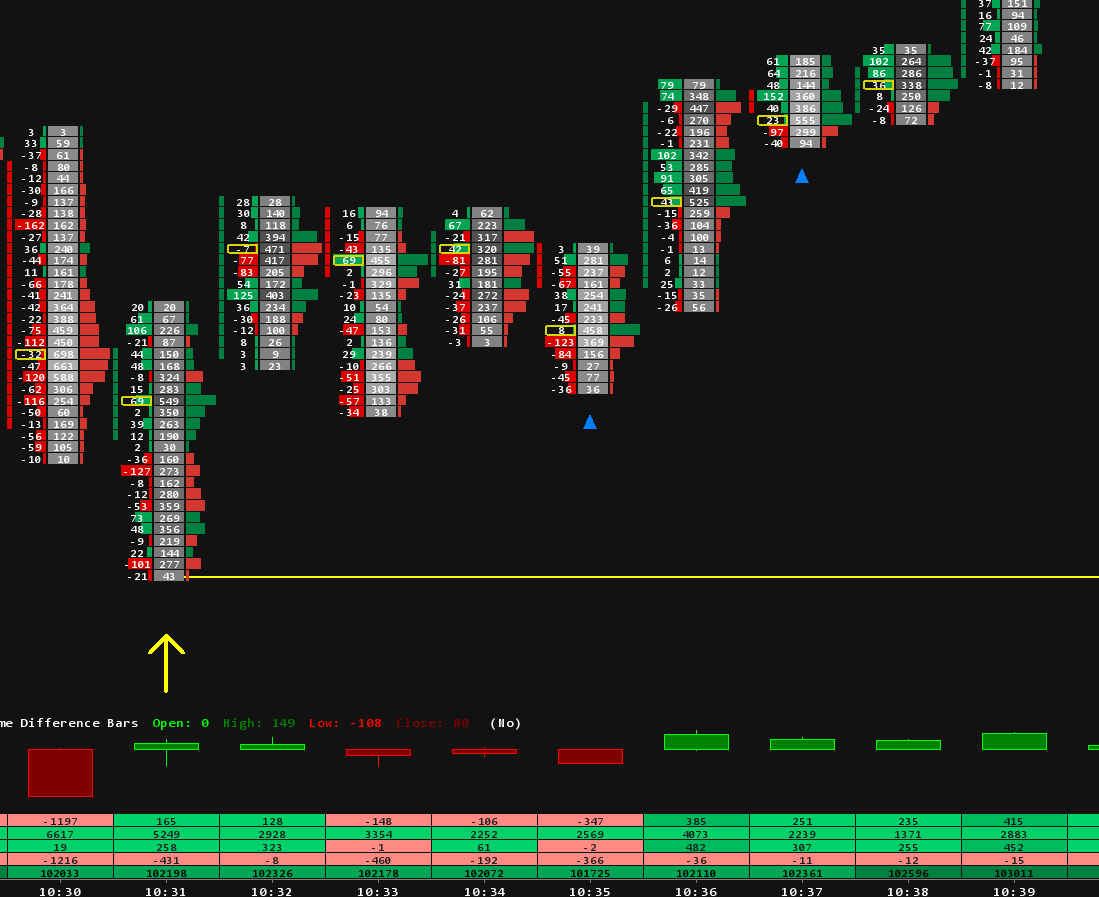
The split that matters: Base packages run Sierra Chart on its own, without connections to external data or trading services. Integrated packages open those connections, including Sierra Chart's own Denali Exchange Data Feed for live futures data. Advanced tiers, 5 and 11 upward, carry the advanced feature set that order flow charts use, including the Numbers Bars footprint study. Prices and inclusions move occasionally, so the official packages page is the reference.
The data side of the bill
Live futures data is licensed per exchange and billed on top of the package. For CME group markets, ES, NQ, CL, Gold and friends, the Denali feed with a participating broker account starts around $11 per month for non professional traders, and the exact amount depends on which exchange groups you subscribe to. Package 12 adds market by order granularity to that same feed, the level of detail heatmap tools draw their full picture from. If you trade only one exchange group, your data bill stays small; subscribing to everything is what makes it grow.
Three real monthly budgets
| Setup | Package | Data | Total from about |
|---|---|---|---|
| Charting and analysis, no live futures data | 3 at $26 | none | $26 |
| Order flow futures trading, one exchange group | 11 at $46 | Denali CME from about $11 | $57 |
| Full depth with market by order detail | 12 at $56 | Denali CME from about $11 | $67 |
For comparison with subscription platforms, our Bookmap and Sierra Chart comparison puts these numbers next to a tool that charges $99 for its top tier before data.
Which package our templates and guides assume
Every product page in our Sierra Chart templates catalog states its exact requirements. As a rule of thumb: footprint work needs the advanced feature set, package 5 as the floor, and live CME order flow needs Denali, which means package 10, 11 or 12. Our footprint setup guide and the indicators collection follow the same logic, and the guides tell you at each step which setting depends on which tier.
Quick answers
What is the cheapest way to trade futures with Sierra Chart?
Package 10 at $36 plus Denali for your one exchange group. Package 11 at $46 is the common upgrade because the advanced features are where the order flow tools live.
Do I need package 12?
Only if you want market by order depth, mainly for heatmap style analysis and order book research. Footprints and profiles do not require it.
Can I change packages later?
Yes, packages are set on your account and can be changed for the next renewal under Help, then Account Control Panel. Starting lower and upgrading when a tool requires it is a reasonable path.
Do the packages include the templates on this site?
No, and the confusion is common. Packages are the platform subscription paid to Sierra Chart. Our templates are chartbook files that run inside whichever package their product page states, bought once with no extra subscription from us.
Why is my total higher than the package price?
Exchange data. Check which exchange groups are active on your account; unused subscriptions are the most common silent cost.