




How to Install a Sierra Chart Chartbook or Template

Every Sierra Chart template, ours or anyone's, arrives the same way: as a chartbook file. Installing one takes about three minutes when you know the path and half an evening when you guess, because the two usual mistakes, wrong folder and expired symbol, produce charts that open but look broken. This is the complete installation routine, the same one delivered with our templates.
Step 1: put the file in the Data folder
Copy the chartbook file into the Data folder of your Sierra Chart installation. On a default Windows install that is C:\SierraChart\Data. If you run several Sierra Chart installations, one per broker for example, pick the installation you actually want the template in; chartbooks do not appear across installations by themselves.
Step 2: open it from inside Sierra Chart
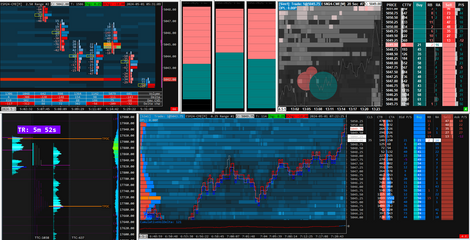
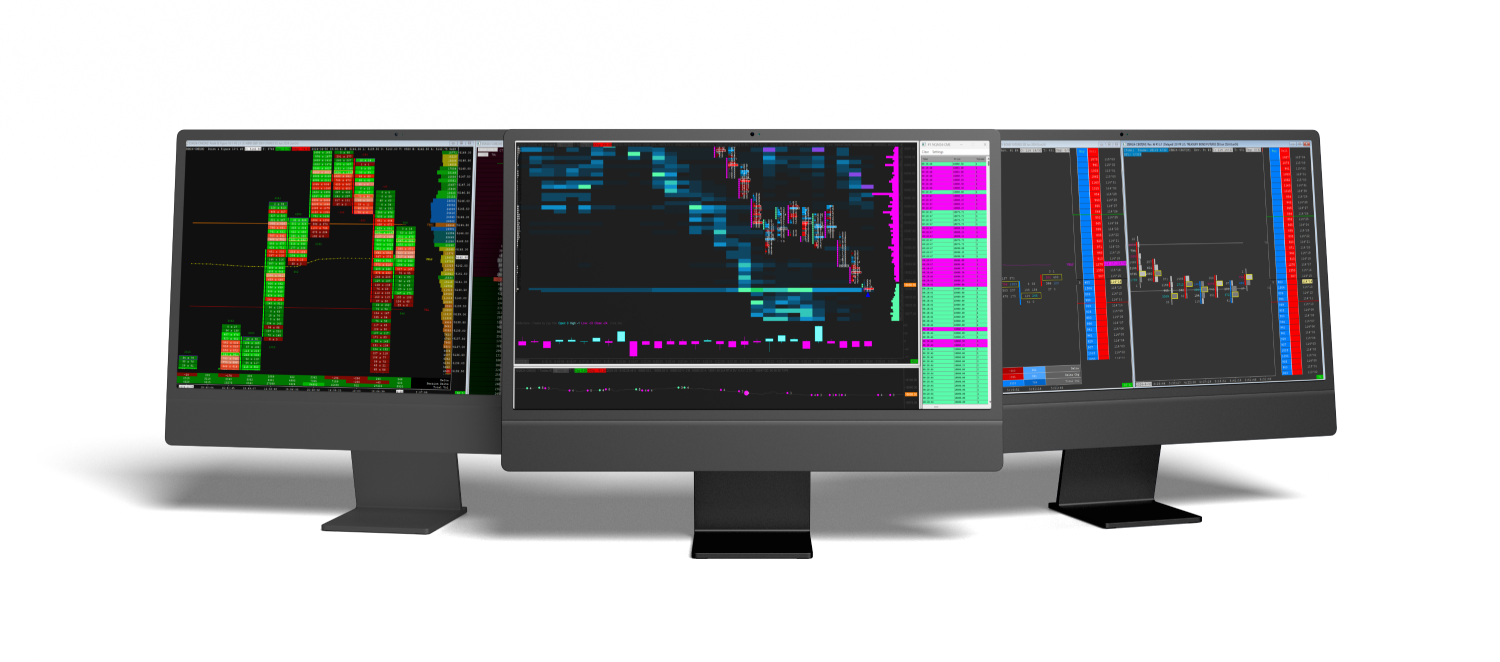
Start Sierra Chart and use File, then Open Chartbook. Select the file and the full workspace opens: charts, studies, colors, layouts, everything the template carries. Do not double click the file in Windows Explorer and expect the workspace; chartbooks open from inside the platform.
Step 3: fix the symbol and let the data load
Futures contracts expire, so a template built on one contract will eventually reference a symbol that is no longer the front month. If the chart opens empty or stops in the past, open Chart, then Chart Settings and update the Symbol to the current contract. Then give the platform a moment: order flow charts ask for tick level history, and the first download of a busy week takes minutes, not seconds. A progress log runs in the message window if you want to watch it work.
Step 4: if the template uses custom studies
Chartbooks that include custom studies, our indicator packs for example, come with a study file and its own activation instructions. The study file also lives in the Data folder, and after restarting Sierra Chart the study loads with the chartbook. If a chart reports a study it cannot find, the study file is missing from the Data folder of that installation, which is the single most common installation question we answer.
Step 5: save your own copy before customizing
Before changing colors or adding studies, use File, then Save Chartbook As and work on the copy. The original file stays clean, and any experiment that goes wrong is one Open Chartbook away from undone. This habit alone removes most of the fear of breaking a template.
Quick answers
The chart opens but is completely empty. Why?
Either the symbol is an expired contract, step 3, or your data feed does not cover the exchange. Live CME data needs the Denali feed on an Integrated package, explained in our Sierra Chart pricing guide.
The chart says a study was not found.
The custom study file is not in this installation's Data folder. Copy it there, restart Sierra Chart, reopen the chartbook.
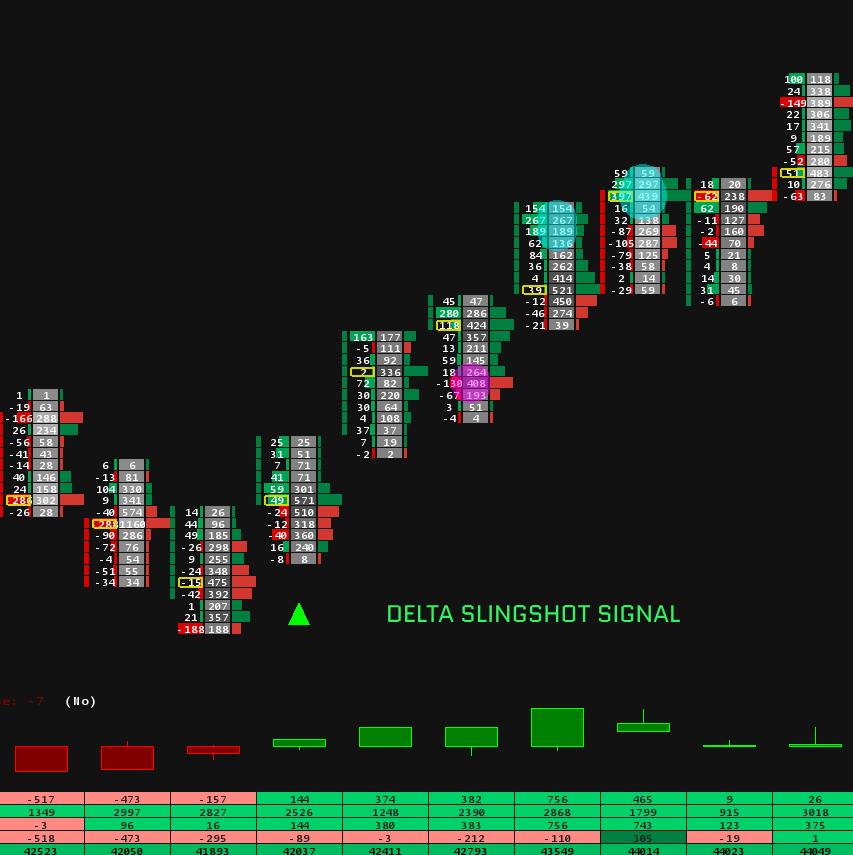
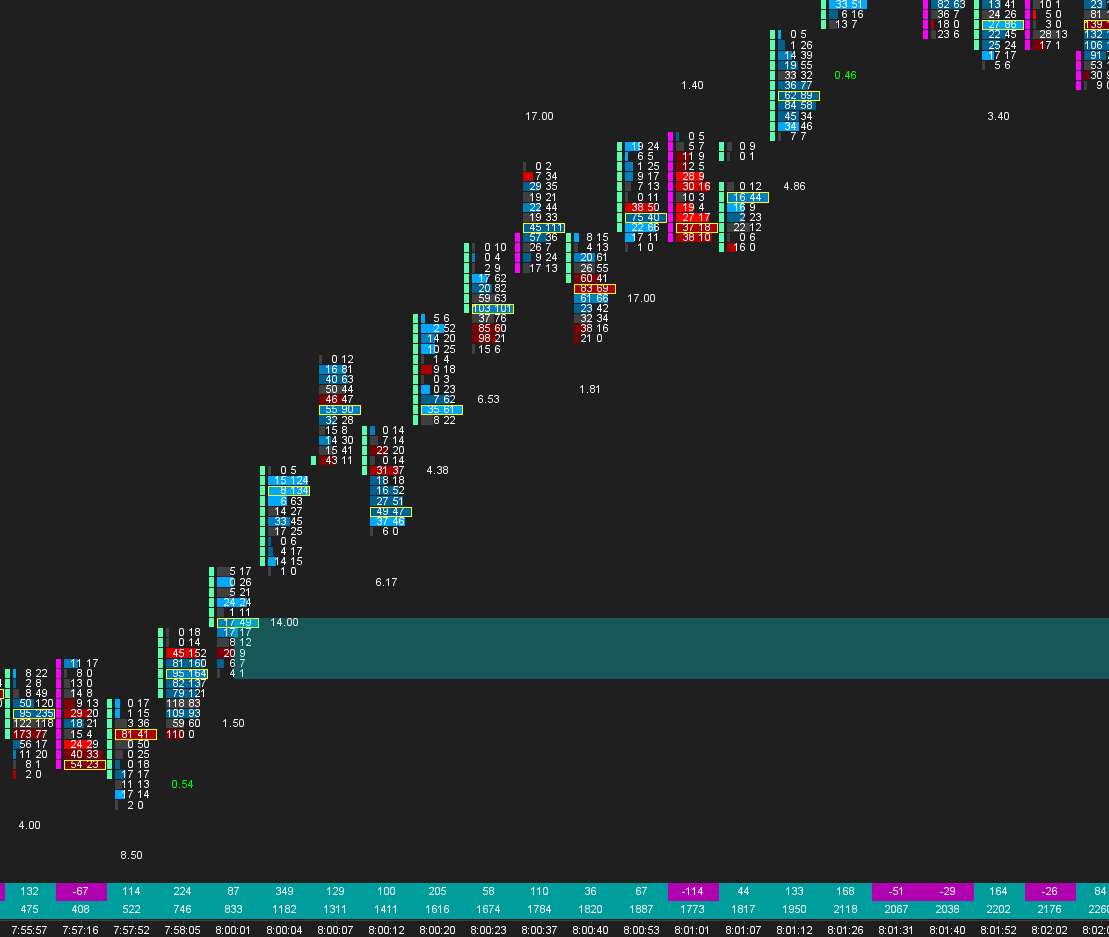
The footprint shows one number per price instead of bid and ask.
Your intraday data is not stored at 1 tick. The fix is step 1 of our footprint setup guide.
Can I run the same template on two computers?
Yes. Copy the chartbook file, and any custom study files it uses, into the Data folder on the second machine. Settings travel inside the file.
Does installing a chartbook change my existing charts?
No. A chartbook opens as its own workspace next to whatever you already run. Your other chartbooks stay untouched, and you can keep several open at once, switching through the Chartbook menu.
Where do I find templates worth installing?
Our Sierra Chart templates catalog covers complete workspaces by chart type and instrument, and the indicators collection covers the custom studies that extend them.