




Sierra Chart on Mac: The Three Setups That Actually Work

Sierra Chart is Windows software, and as of 2026 there is no native macOS version, only recurring requests for one on the official support board. That sounds worse than it is: Mac traders run Sierra Chart every day through three well worn setups, and the right one depends on how seriously you trade. Here are the three, with the honest costs of each.
Setup one: a virtual machine with Parallels or VMware
On Apple Silicon, Parallels Desktop runs Windows 11 on ARM, and Windows itself translates Sierra Chart's x64 code. Users on the official support board have run this combination for years, and Sierra Chart's famously light footprint helps: this is a platform built to run on modest hardware, so it stays responsive inside a VM where heavier platforms struggle. Give the VM a generous slice of memory, keep the Mac plugged in during sessions, and expect the occasional Windows update moment. VMware Fusion, free for personal use, is the same idea with a different vendor.
Setup two: a Windows VPS you connect to
A virtual private server is a Windows machine rented in a data center, and it changes the question entirely: Sierra Chart runs there around the clock, and your Mac just looks at it through a remote desktop window. The advantages compound for serious trading, the platform never sleeps when your laptop does, your charts survive a spilled coffee, and a server placed near the exchange has steadier connectivity than most home lines. The cost is a monthly rent on top of the platform and data bill from our Sierra Chart pricing guide, and the remote window feel takes a day to get used to.
Setup three: a small dedicated Windows PC
The unglamorous option that many settle on: a mini PC beside the desk, bought once, running only Sierra Chart. No virtualization layer, no monthly rent, native performance, and your Mac stays untouched. The trade is desk space and one more machine to maintain. Because Sierra Chart runs comfortably on modest hardware, the small machine does not need to be expensive.
What about CrossOver or Wine?
Translation layers have run some Sierra Chart versions in the past, and reports on the support board come and go with versions. For analysis experiments it can be a curiosity; for live trading it is not a setup to depend on, because a platform update can break it on any morning. We do not recommend it and neither does anyone who trades for a living.
Choosing between the three
| Setup | Up front | Ongoing | Best for |
|---|---|---|---|
| Parallels or VMware VM | License, or free Fusion | Nothing extra | Analysis, learning, part time trading on one Mac |
| Windows VPS | Nothing | Monthly rent | Daily trading, automation, always on charts |
| Dedicated mini PC | The machine | Nothing extra | A permanent desk setup without subscriptions |
Everything else stays identical
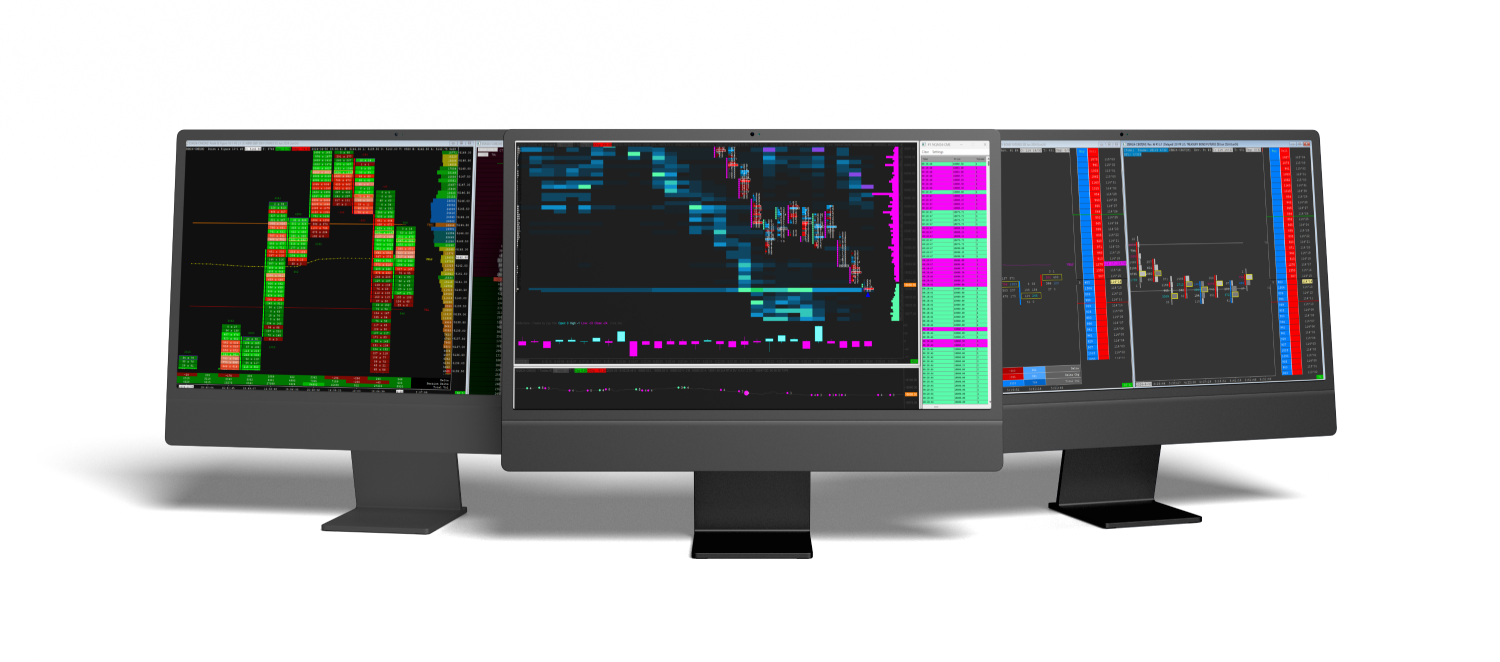
Once Windows exists, by any of the three routes, Sierra Chart is exactly the platform our guides describe. Chartbooks install the same way, covered in the chartbook installation guide, every template in our Sierra Chart templates catalog runs identically, and the indicators load the same way. Mac ownership costs you one setup decision, not any capability.
Quick answers
Will Sierra Chart release a native Mac version?
Nothing has been announced as of 2026. The requests on the support board are years old, and the practical answer for a Mac trader today is one of the three setups above.
Is a VM fast enough for order flow charts?
Yes for charting and discretionary trading. Sierra Chart is unusually light, which is exactly what makes it a good VM citizen. Latency sensitive automation is the case where a VPS or dedicated PC earns its keep.
Do our templates work inside a VM or VPS?
Identically. A chartbook neither knows nor cares what the Windows underneath it runs on.
MacBook or iMac, does it matter?
Memory matters more than the model. The VM route is happiest with enough memory to give Windows a real share while macOS keeps its own.