



Before you leave...
Check our Sierra Chart Suite PRO
Build Alert Condition Formulas for Sierra Chart visually: study crossovers, price and volume conditions, Renko and Volume at Price logic. Free, no signup, and the result pastes straight into any study's Alerts tab. These are alert formulas, not Spreadsheet Study files.
How to build formulas for Sierra Chart Alerts & Conditional Studies.
An Alert Formula is a line of logic that tells Sierra Chart when to notify you or paint a color bar. It is not a Spreadsheet Study file. It is a direct instruction entered into the settings of a chart study.
=A1 > B1 (Cell vs Cell)
=ID1.SG1 > ID2.SG1 (Study vs Study)
To compare indicators, you must use their "Address". Every study on your chart has a unique ID, and every line inside that study has a Subgraph (SG) number.
This is the most common reason alerts fail or spam you.
Formula: =ID1.SG1 > ID2.SG1
Meaning: "Is the Fast MA currently above the Slow MA?"
Result: Returns TRUE on every single bar while the trend is up. Causes repeating alerts.
Formula: =CROSSFROMBELOW(ID1.SG1, ID2.SG1)
Meaning: "Did the Fast MA just now cross?"
Result: Returns TRUE only on the specific bar where the cross happened.
For accurate alerts on Renko bricks, use these reserved codes. The generator uses these automatically when you select "Renko Open/Close".
To compare current volume against historical Volume-at-Price data (like comparing to yesterday's POC or Volume Profile), you use the VAP function.
Four formulas traders build most often. Paste them as they are, then adjust the ID and SG numbers to match your chart.
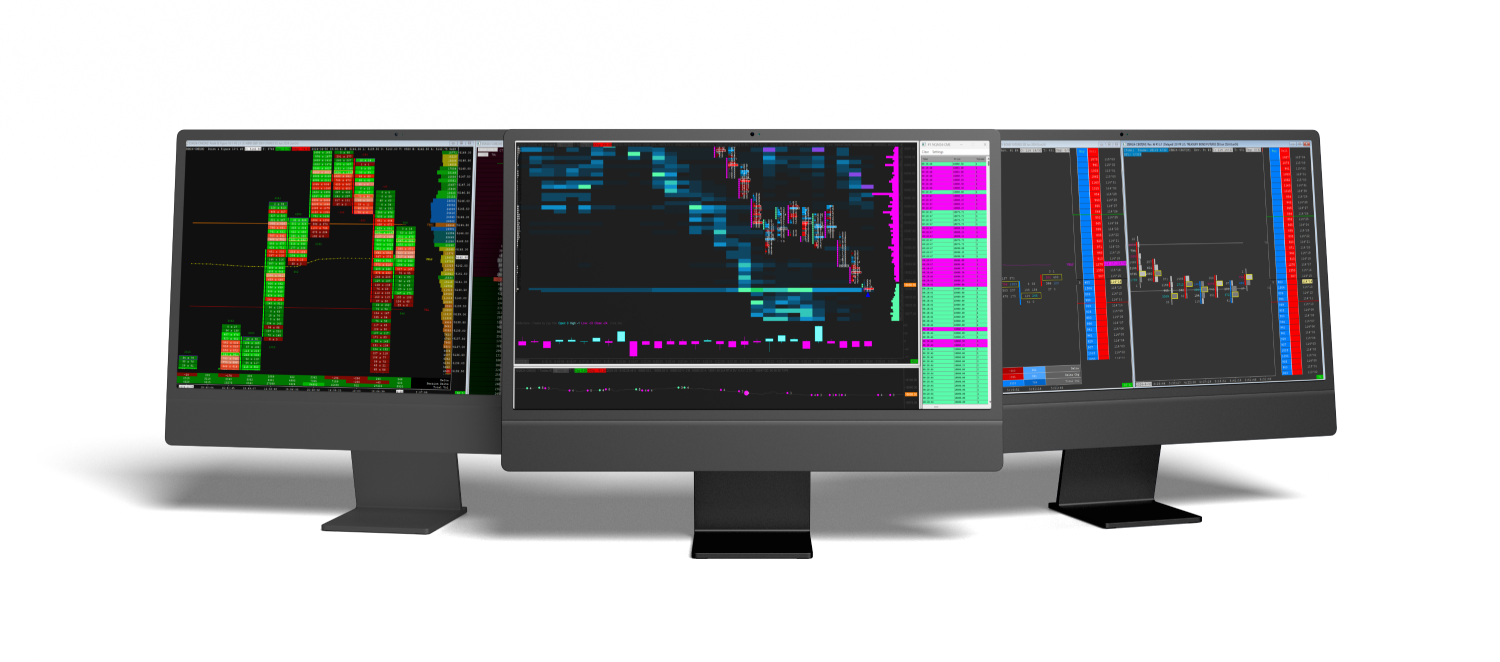
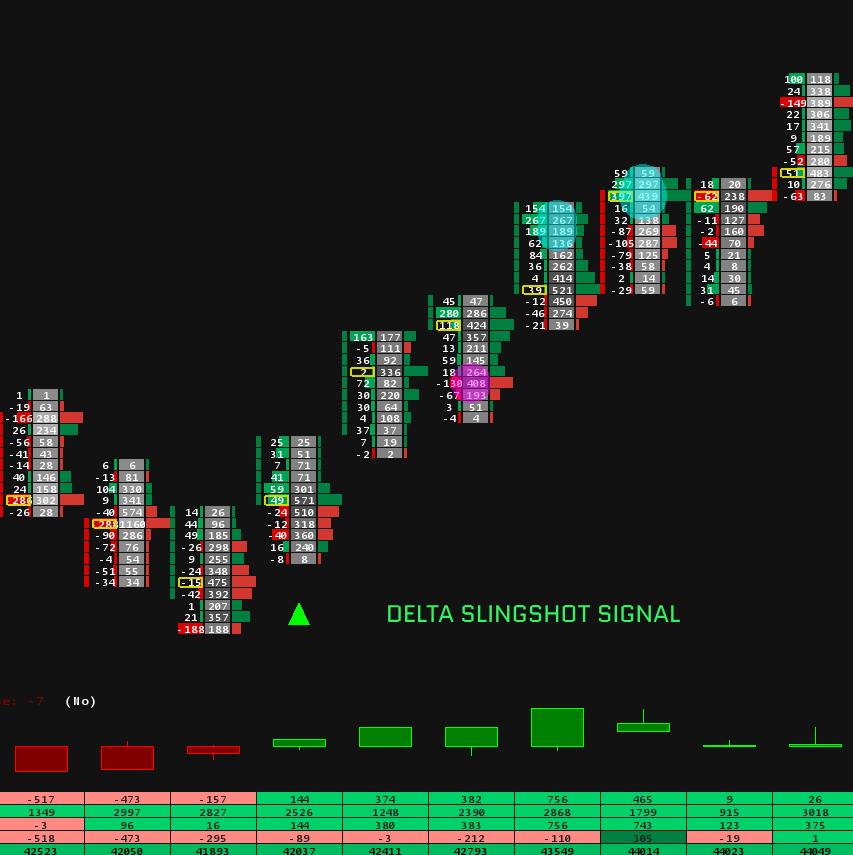
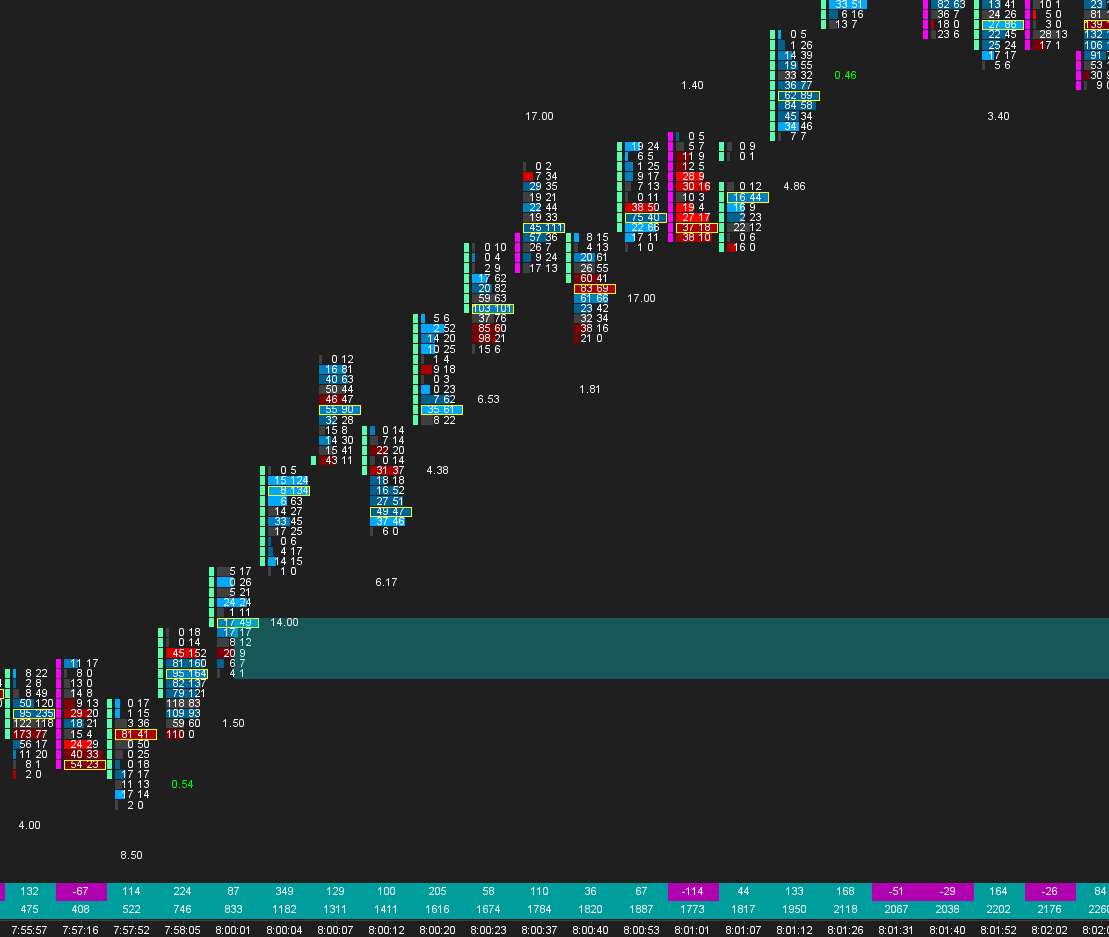
Alert formulas shine on charts built to be read: our footprint setup guide builds the chart most alert conditions live on, the Sierra Chart indicators collection covers signals that do the reading for you, and complete tuned workspaces live in our Sierra Chart templates.
Thanks for subscribing!
This email has been registered!
| Product | SKU | Description | Collection | Availability | Product Type | Other Details |
|---|