


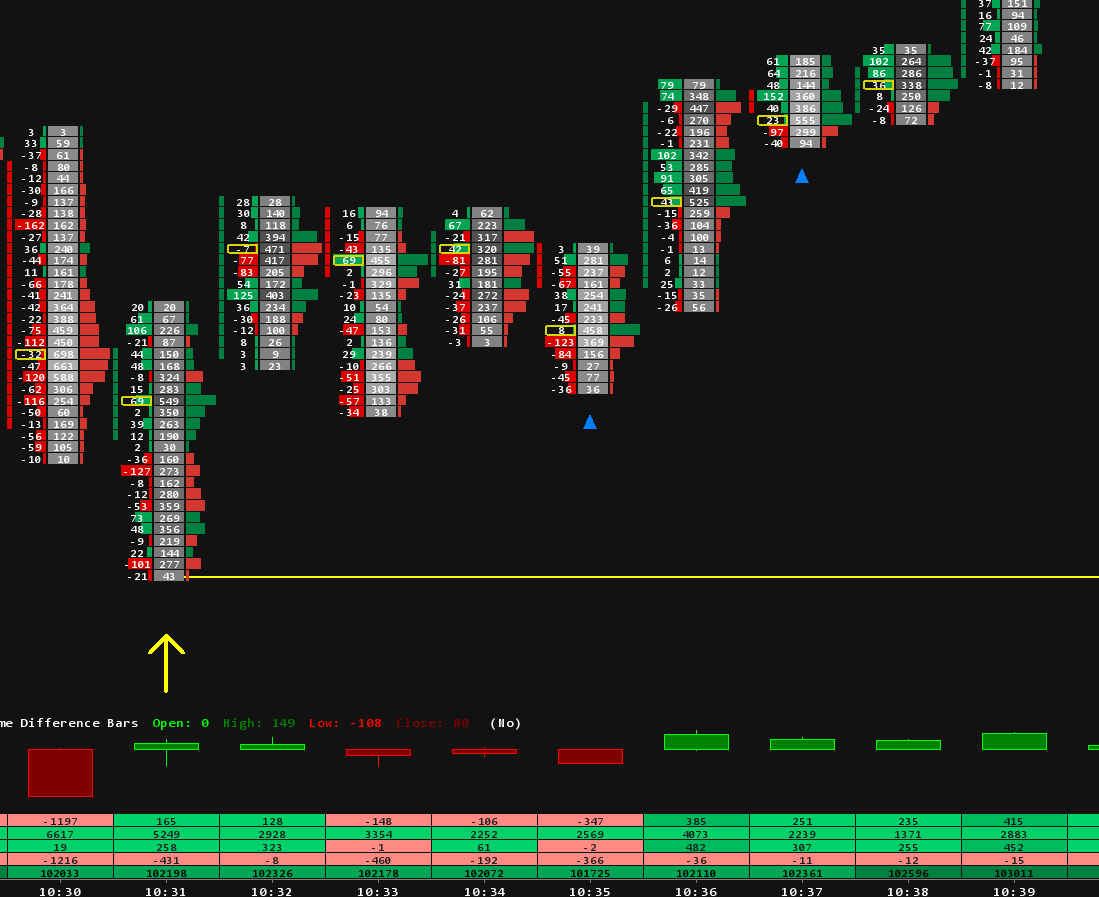
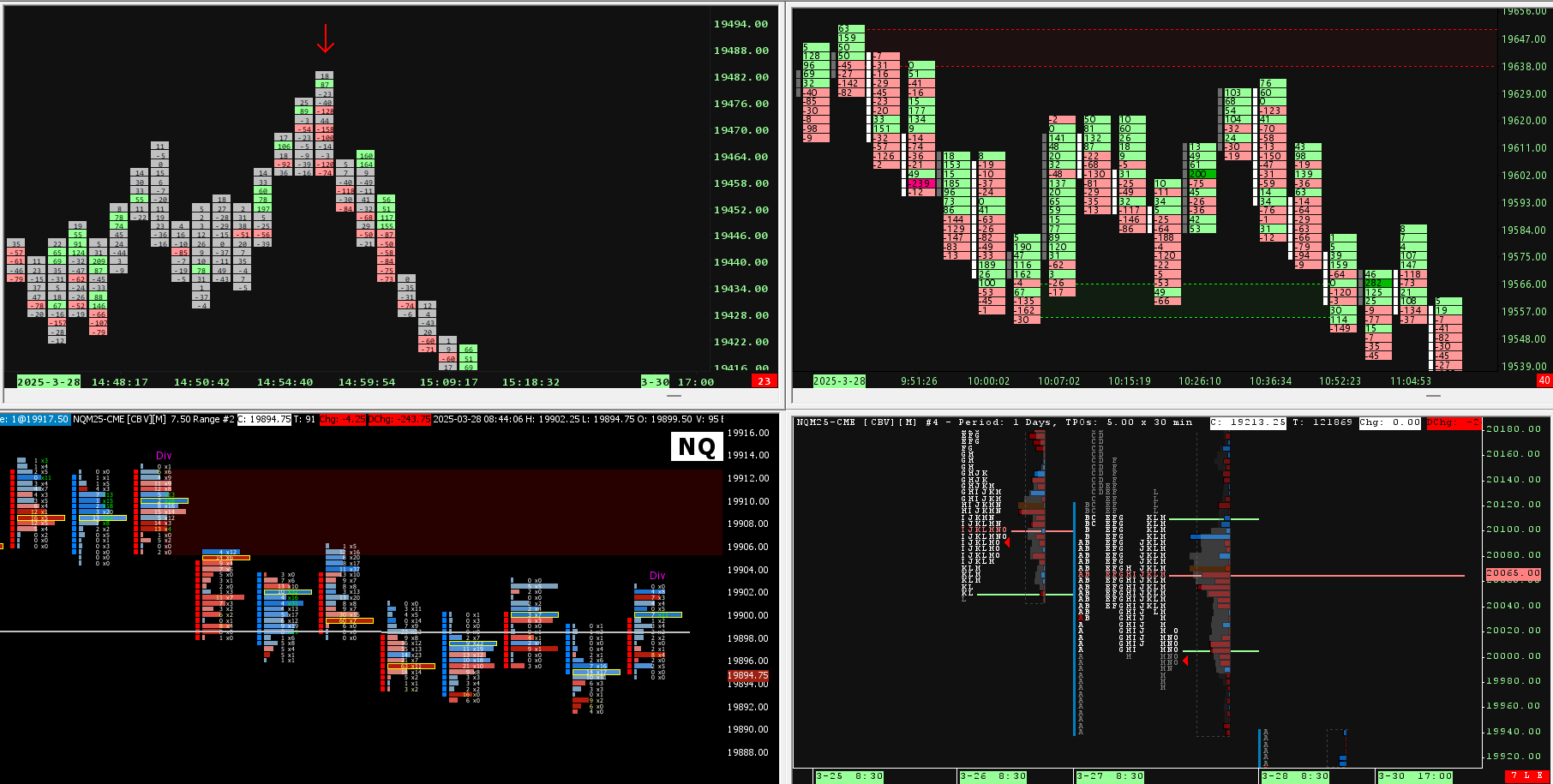


Free Sierra Chart Templates: What Exists and What to Build

The search for free Sierra Chart templates usually ends in one of three places: the platform itself, files other traders share, and chartbooks you build in an afternoon. All three are real, each has a catch, and knowing the catches saves you the week most traders spend finding them out. This page maps the free options honestly, because we sell templates and would rather you compare from a full picture.
What a Sierra Chart template actually is
In Sierra Chart, a template is a chartbook: a file holding charts, studies and every setting of a workspace. Open a chartbook and the whole setup appears, which is why templates transfer so well between machines and accounts. Anything that produces a chartbook file can be your template source, including you.
Free option one: what the platform already includes
A standard Sierra Chart package ships with hundreds of built in studies, and several of the most useful order flow tools are simply there to add, volume profiles, delta columns, cumulative delta and more, depending on package. Before hunting downloads, it is worth knowing what is already installed: our roundup of the best free Sierra Chart studies walks through the ones traders actually keep on their charts.
Free option two: build your own template with our guides
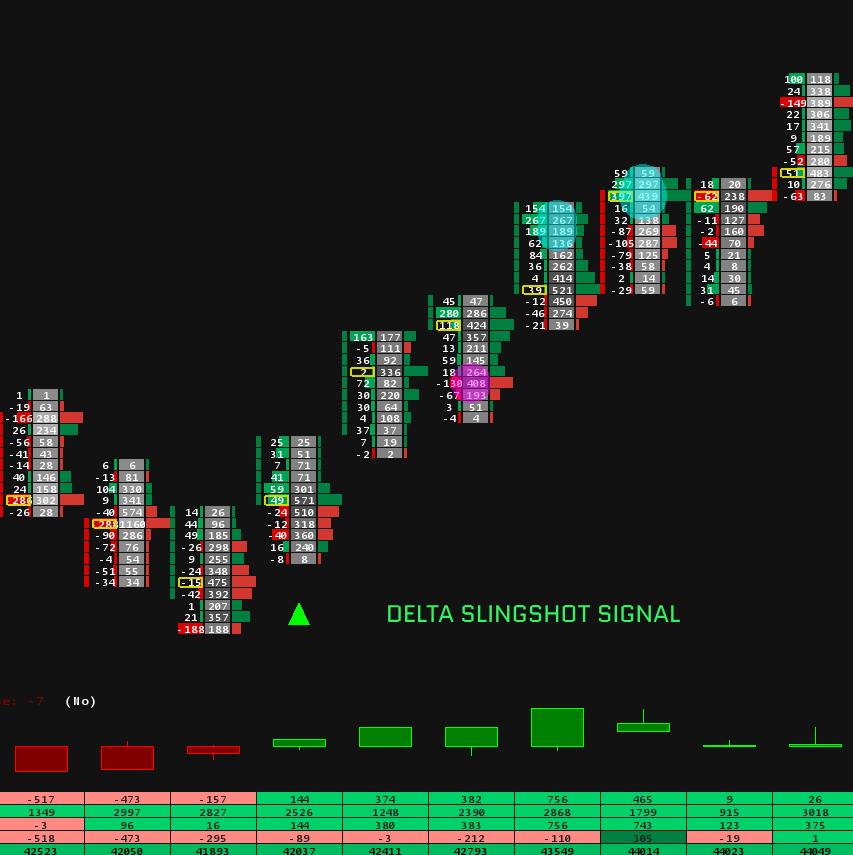
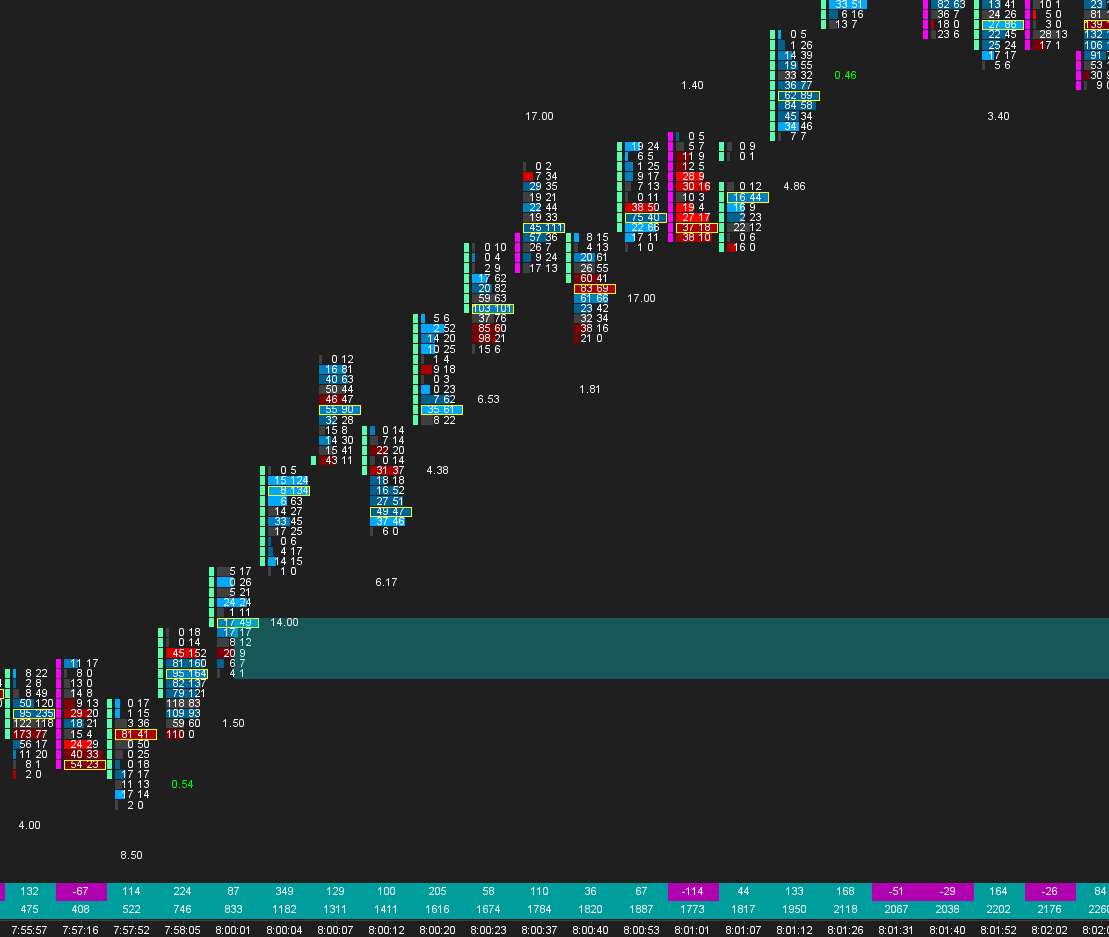
A basic professional chart is a twenty minute build, and we published the exact steps. The footprint setup guide takes you from empty chart to a working footprint saved as a chartbook, and the Market Profile TPO guide does the same for profile charts. Follow either one and you own a genuinely free template you understand completely, which matters more than it sounds: a chart you built is a chart you can fix.
Free option three: our free starter chartbook, sent by email
We also give one away. The SieraChart starter chartbook is a ready to open workspace built the same way our guides teach, so you can compare it line by line with what you built yourself. Enter your email and the file arrives with its installation note.
We respect your privacy. Unsubscribe anytime. No spam, ever.
Where free stops and tuning starts
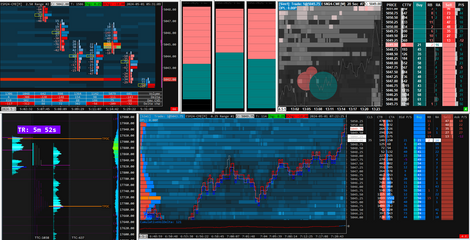
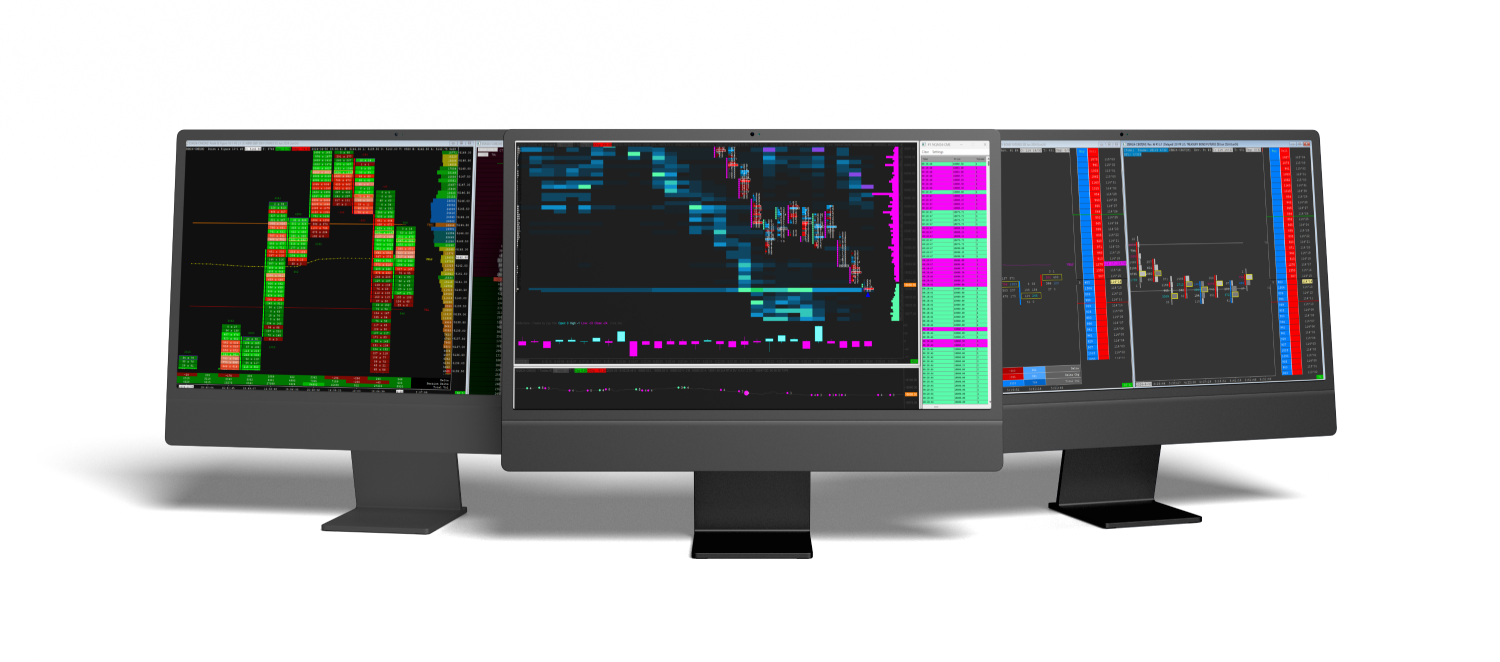
Everything above produces a working chart. What it does not produce is calibration: volume bar sizes matched to how each instrument trades, imbalance thresholds that stay quiet in normal flow and loud at extremes, color scales tested across full sessions, and multi panel workspaces where the footprint, profile, DOM and delta read as one screen. That tuning is the actual product in our Sierra Chart templates, and the difference is easiest to see side by side: open your self built chart next to any template preview in the footprint collection and compare what each shows you at a glance.
Quick answers
Are free Sierra Chart templates safe to use?
Yes. A chartbook is a settings file, not a program. The practical risk is not safety but configuration: wrong sessions, wrong tick sizes and missing data subscriptions, which is why checking any downloaded chartbook against your own setup is step one.
Why do downloaded chartbooks look broken on my machine?
Usually data. A chartbook built on another data feed or package references symbols and settings you may not have. Fix the symbol, the session times and the tick size first, in that order. The complete routine is in our chartbook installation guide.
Do I need to pay to get a footprint chart in Sierra Chart?
No. With the right package the Numbers Bars study is included, and our free guide shows the full setup. Paid templates buy tuning and a complete workspace, not access to the chart type.
What is the fastest free way to a usable order flow setup?
Build the footprint from our guide, add a volume profile from the built in studies, save the chartbook. One evening, zero spend, and you will understand every setting on your screen.